
-
samedi, 1 août 2026
Cannot enable disabled add-ins in Excel, Word, PowerPoint
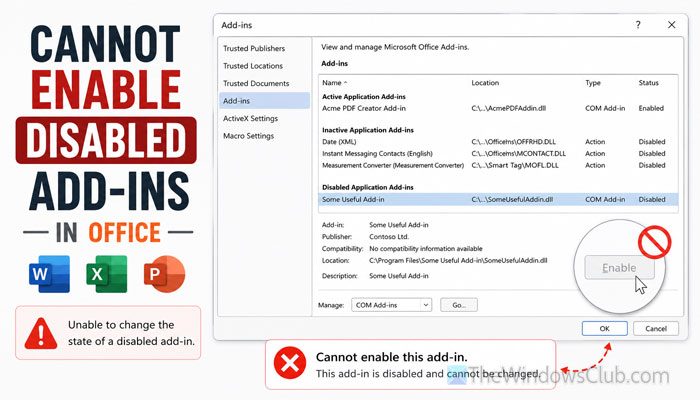 If you cannot enable disabled add-ins in Excel, Word, and PowerPoint, here is how you can fix the problem in Windows 11. Although these solutions are mainly for Microsoft 365 users, you can try them on other versions of Microsoft Office as well. Why can’t you enable disabled Office add-ins? Some Office add-ins can’t be […]
This article Cannot enable disabled add-ins in Excel, Word, PowerPoint first appeared on TheWindowsClub.com.
-
vendredi, 31 juillet 2026
Excessive DMP Files in Windows 11 System32 folder
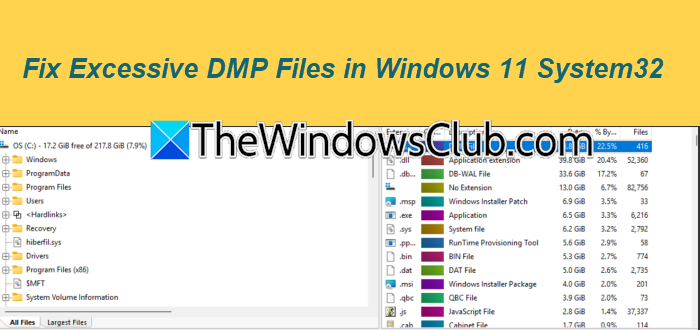 You may see excessive DMP files in the System32 folder of Windows 11 when a setting or a misbehaving component redirects memory dumps there. These .dmp files consume a lot of space and eat up your drive, making the folder a mess. In this post, we will talk about this issue and see what you can do to […]
This article Excessive DMP Files in Windows 11 System32 folder first appeared on TheWindowsClub.com.
-
jeudi, 30 juillet 2026
Unable to duplicate slides in PowerPoint [Fix]
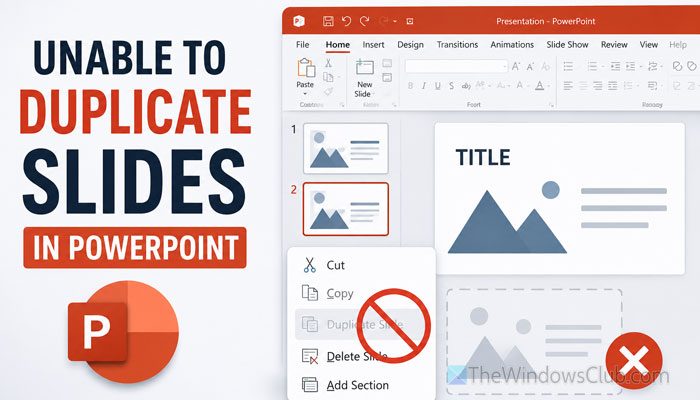 If you are unable to duplicate slides in PowerPoint, this article will help you fix the issue within moments. These solutions work best if you use a Windows 11 computer and Microsoft 365. However, you can also try some of the solutions if you use another version of Microsoft Office on your Windows 11 computer. […]
This article Unable to duplicate slides in PowerPoint [Fix] first appeared on TheWindowsClub.com.
-
jeudi, 30 juillet 2026
How to add and use Private DNS in Windows 11
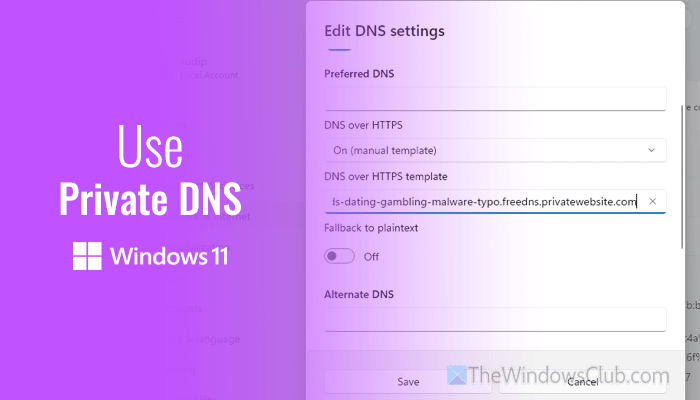 If you want to use Private DNS in Windows 11, this guide will help you set things up to meet your requirements and get the most benefits. Whether you want to use a free or paid Private DNS, here is everything you must know and do to get started with them. What is Private DNS? […]
This article How to add and use Private DNS in Windows 11 first appeared on TheWindowsClub.com.
-
jeudi, 30 juillet 2026
Outlook keeps signing into wrong account
 Sometimes when a user signs into Outlook in a web browser, it keeps redirecting him to another account. This usually happens if you have signed into Outlook with multiple Microsoft accounts in the same web browser, causing the browser to use a saved session or cached credentials. This article lists some effective fixes you can […]
This article Outlook keeps signing into wrong account first appeared on TheWindowsClub.com.
